Monthly Bookkeeping Close Checklist: 8 Steps
Most business owners treat the end of the month like a finish line. Invoices went out, payroll ran, nothing bounced. Good enough, right?
Not really. If nobody actually closes your books each month, your numbers are a rumor. The P&L you glance at in QuickBooks is a draft that quietly changes every time someone codes an old transaction. Then tax season arrives and your accountant asks why March rewrote itself in September.
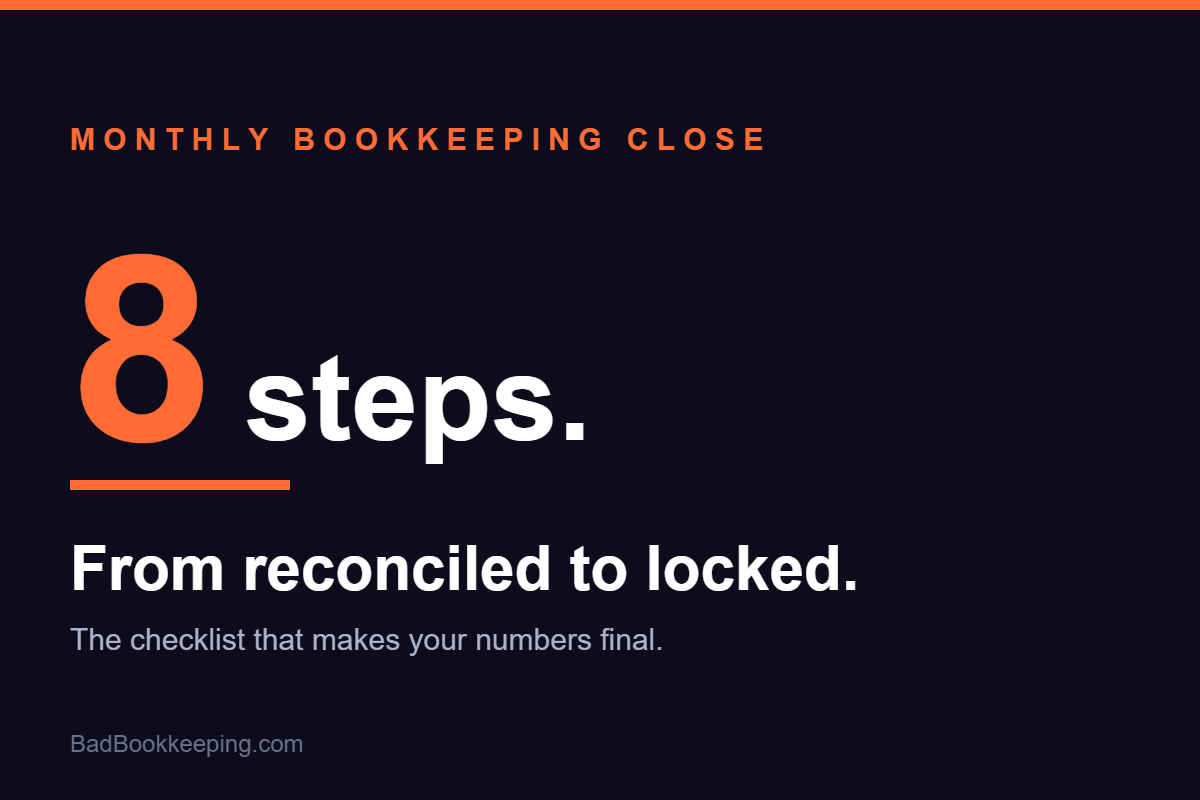
A monthly close fixes that. It is a short, boring, repeatable checklist that turns “probably right” into “done and locked.” The whole list, in the order we run it:
- Reconcile every bank and credit card account
- Clear out Uncategorized and “Ask My Accountant”
- Match your invoices to your deposits
- Review unpaid bills
- Tie out payroll
- Check sales tax collected vs. owed
- Skim the P&L against last month
- Lock the period
1. Reconcile every bank and credit card account
Every account, every month, to the penny. Checking, savings, every credit card, PayPal, Square, the loan accounts you forgot about. If the QuickBooks balance does not match the statement balance, the difference is a problem you want to find now, not in April.
Unreconciled accounts are where duplicate transactions, missing deposits, and fraud go to hide. This step is non-negotiable. If you only do one thing on this list, do this one.
2. Clear out Uncategorized and “Ask My Accountant”
Those two accounts are junk drawers. Money parked in Uncategorized Expense is money your P&L is lying about. Go through every transaction sitting in limbo and give it a real home.
If you keep seeing the same mystery vendor every month, fix it at the source: set up a bank rule so it codes itself correctly next time. The close gets faster every month you do this.
3. Match your invoices to your deposits
Open invoices should be real. Scan your accounts receivable aging: did that customer actually pay you, but the payment got recorded as a new sale instead of applied to the invoice? That mistake double-counts revenue and makes your A/R look like a collections crisis.
While you are in there, note anything over 60 days. That is not bookkeeping anymore, that is a phone call you need to make.
4. Review unpaid bills
Same drill on the payables side. Enter the bills that came in, kill the duplicates, and check what is coming due in the next two weeks. Cash flow surprises are almost never surprises. They are bills somebody saw and did not record.
5. Tie out payroll
Payroll is usually the biggest expense on the P&L, which makes it the most expensive place to be wrong. Confirm what your payroll provider says you paid matches what hit the books: gross wages, employer taxes, benefits, and the liability accounts for withheld taxes.
If payroll liabilities keep growing month after month and never clear, something is posting wrong. That one is worth catching early. The IRS has strong feelings about payroll taxes.
6. Check sales tax collected vs. owed
If you sell anything taxable, compare the sales tax your system collected against what is sitting in your sales tax liability account. Those numbers should be close friends. When they drift apart, you are either undercharging customers or about to underpay the state, and Texas does not accept “my books were messy” as a defense.
7. Skim the P&L against last month
You do not need a finance degree for this. Run the P&L side by side with last month and circle anything weird. Revenue down 30%? A category that doubled? A brand new expense account you did not create? Every one of those is either a real business event or a coding mistake, and both are worth five minutes of your attention.
This is the step where bookkeeping stops being data entry and starts being useful.
8. Lock the period
When everything ties out, set a closing date in QuickBooks (Settings, then Advanced, then Close the books) with a password. That stops anyone from editing January in July. Last month’s numbers should be a fact, not a suggestion.
Locked periods are also how you know your year-end will match what you saw all year. Accountants love you for this. Some may even lower their bill.
How long should a monthly close take?
For most businesses under $10M, a clean close takes 2 to 5 hours once the system is set up. If yours takes a full weekend, or it simply never happens, the checklist is not the problem. The backlog behind it is.
And if you are reading this in July knowing you have not reconciled since January, you do not have a close problem. You have a catch-up problem, and no checklist fixes that. That is a cleanup job, and it is exactly the kind of mess we like.
The reconciliation step is where most closes fall apart. If yours keeps coming out wrong, these five bank reconciliation errors are usually why. And if the books are too far gone for a checklist, start with how to fix messy books.
Want your months to actually close?
We clean up the backlog, build the close process, and then run it every month so you never think about it again. The call is free and takes 15 minutes.
Book a Free Call