Restaurant COGS: The Formula and the Three Ways It Goes Wrong
Ask ten restaurant owners what their food cost was last month and you will get ten confident answers, most of them wrong in the same direction. The restaurant COGS formula itself is three lines of arithmetic. The trouble is what goes into those three lines. Get one of them wrong and your food cost swings four or five points month to month for reasons that have nothing to do with the kitchen.
This is the formula, a worked example with real-looking numbers, and the three ways we see it go wrong in DFW restaurant books. If you already track prime cost, COGS is the half of it that most people are computing incorrectly.
The restaurant COGS formula
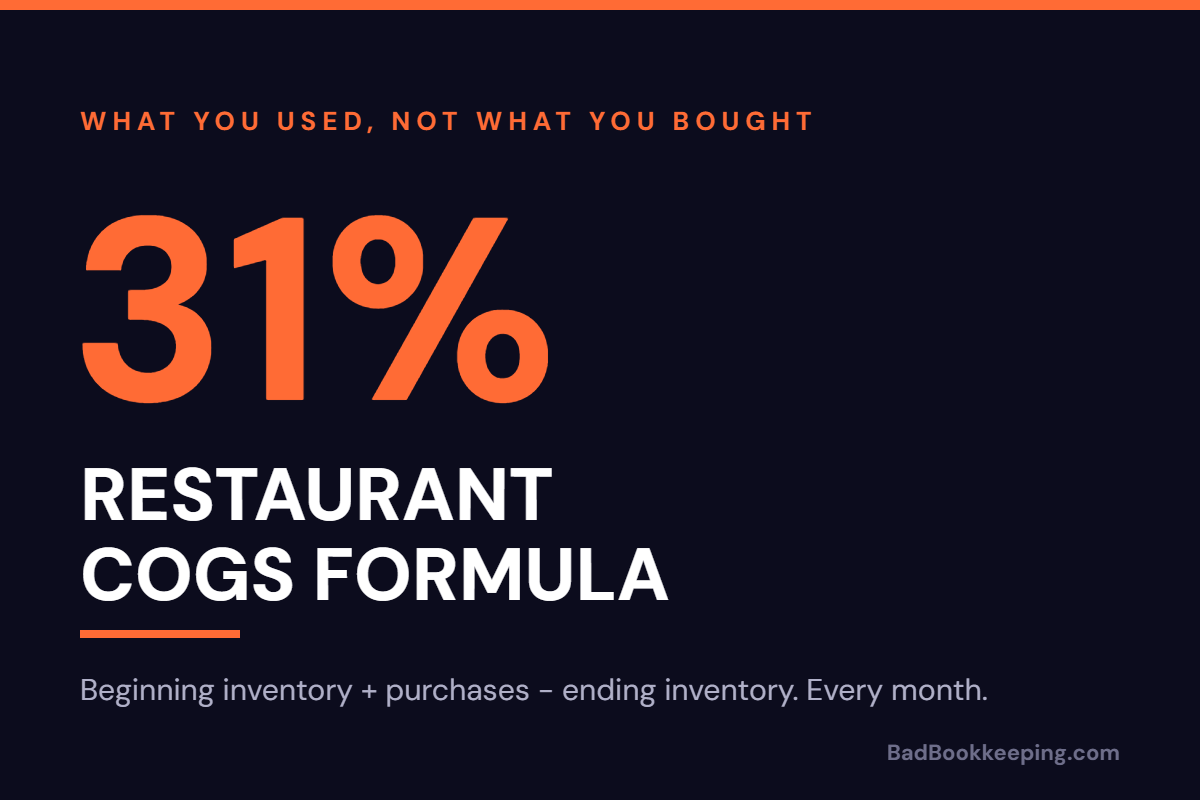
Beginning inventory + purchases – ending inventory = cost of goods sold.
Beginning inventory is the dollar value of everything on your shelves, in your walk-in and behind your bar at the start of the period. Purchases are every food and beverage invoice dated inside the period. Ending inventory is the count at the end. What is left over is what you actually used, which is the only thing COGS is supposed to measure.
Say a 120-seat full-service restaurant in Plano starts August with $18,400 of inventory, buys $42,300 of food and beverage during the month, and counts $17,100 on the shelves on August 31.
- $18,400 beginning inventory
- + $42,300 purchases
- – $17,100 ending inventory
- = $43,600 COGS
Against $140,000 of net food and beverage sales, that is a 31.1% COGS. Notice that the owner spent $42,300 but used $43,600. Inventory went down by $1,300, so the restaurant ate into stock it had already paid for. That $1,300 gap is exactly the information the shortcut version throws away.
Why purchases are not COGS
The shortcut everyone takes is to skip the counts and treat purchases as cost of goods sold. QuickBooks makes this easy: the bank feed sees a Sysco payment, someone tags it Cost of Goods Sold, and the P&L looks finished. It is not. Purchases tell you what you bought. COGS tells you what you used. Those are different numbers every single month, and the difference is driven by delivery timing, not by anything your kitchen did.
A $6,000 protein order that lands on the 30th instead of the 1st moves your food cost by 4 points on $140,000 of sales, in one month and back the other way in the next. An owner reading that P&L will see a spike, blame the chef, and then see a miraculous recovery that nobody earned. The formula exists to strip that noise out. The counts are the formula. Without them you are reporting your ordering schedule, not your cost.
The three ways it goes wrong
We clean up a lot of restaurant books. When COGS is wrong, it is almost always one of these three, and usually two of them at once.
1. There is no ending inventory count, or it is stale
This is the big one. Either nobody counts, or someone counts on the Tuesday after the month closes and the books use a number from three weeks ago. In QuickBooks Online the symptom is an Inventory asset account that has sat at the same balance since the day the file was set up, sometimes for years. If your inventory balance has not moved, your COGS is just purchases with extra steps.
The fix is a count on the last day of the period, every period, priced at what you paid. High-value categories like proteins, liquor and wine are worth counting weekly. We made the case for that cadence in restaurant inventory counts: why weekly beats monthly. A monthly count is the minimum for the formula to work at all.
2. Purchases are landing in the wrong accounts
The purchases line only works if it contains food and beverage and nothing else. In practice we find three contaminations.
- Non-food riding along on food invoices. Paper goods, to-go containers, chemicals, gloves and smallwares come from the same broadline distributor on the same invoice. If the whole invoice is coded to COGS, your food cost carries your dish soap. Split the invoice or set up a rule.
- Food landing outside COGS. The reverse problem. A Restaurant Depot run paid on the owner’s card gets coded to Supplies or Meals because the bank feed guessed. Those dollars vanish from the formula and food cost reads two points better than reality.
- Credits and returns not netted. Short deliveries, spoiled cases and vendor credits reduce purchases. If the credit memo never gets entered, or gets booked as income, you overstate cost and understate margin.
A clean chart of accounts solves most of this. Separate COGS sub-accounts for Food, Beer, Wine, Liquor and Non-Alcoholic Beverage, with a separate Operating Supplies expense line for everything that is not consumed by a guest. Then set bank rules by vendor and review every invoice over a couple hundred dollars for a split.
3. Sales and COGS are measured in different periods
A COGS percentage is a fraction. The top is what you used and the bottom is what you sold, and both have to cover the same days. This breaks in three ways we see constantly.
First, the sales number includes sales tax. If the POS deposit hits the bank and the whole thing gets booked to Sales, your denominator is 8.25% too big in most of DFW and your food cost reads about two and a half points better than it is. Sales tax is a liability, not revenue. We covered that trap in DFW restaurant bookkeeping: sales tax, tips and Texas rules.
Second, invoices are booked when they are paid, not when they are dated. On a cash basis a July delivery paid in August lands in August COGS against August sales. One big vendor on net-30 terms is enough to shift a month of cost into the wrong period. Restaurants should run purchases on an accrual basis even if the tax return is cash. Enter the bill with the invoice date and pay it whenever.
Third, the count date and the close date do not match. Books closed on the 31st with a count taken on the 3rd means three days of usage are sitting in the wrong month. Count on the last night of service, after close, before the next delivery.
What it looks like in QuickBooks Online
Most restaurants should not use QuickBooks inventory tracking for food. It is built for widgets with SKUs, not for 40 pounds of brisket. The practical method is the periodic one: purchases go straight to the COGS sub-accounts during the month, and one journal entry at close moves the change in inventory.
Using the Plano numbers, inventory fell from $18,400 to $17,100. The closing entry is a $1,300 credit to Inventory (asset) and a $1,300 debit to COGS – Food. If inventory had gone up instead, the entry flips: debit Inventory, credit COGS. Purchases of $42,300 plus the $1,300 adjustment gives the $43,600 COGS from the formula, and the balance sheet now shows the real $17,100 on the shelf.
Do that entry by category (food, beer, wine, liquor) and you get a COGS percentage per category instead of one blended number, which is where the useful conversations start. A 31% blended cost can hide a 38% food cost and a 19% liquor cost.
What a normal number looks like
- Food, full-service: 28% to 35% of food sales
- Food, quick-service and fast casual: 25% to 30%
- Liquor: 15% to 20% of liquor sales
- Beer: 20% to 25% (draft lower, packaged higher)
- Wine: 30% to 40%
- Blended food and beverage COGS: 28% to 35%
Those are ranges, not targets. A steakhouse runs a higher food cost than a pizza place on purpose. What matters is that your number is real and that it moves for real reasons. If your COGS jumped from 29% to 34% last month, the first question is whether the count happened, the second is whether an invoice landed in the wrong period, and only the third is what the kitchen did.
Add labor to a correct COGS and you have prime cost, the one weekly number that tells you whether the restaurant is working. Get COGS wrong and prime cost is wrong too, and every decision downstream of it is made on a number that was never true.
Is your COGS what you used, or what you bought?
We set up restaurant books that count inventory on a schedule, book COGS from what you actually used, and close every month with a food cost number you can act on. The call is free and takes 15 minutes.
Book a Free Call