Prime Cost for Restaurants: The Weekly Number That Tells You Everything
Most restaurant owners check sales every day. They look at the P&L every month. The number that actually predicts whether they’re going to make payroll next week sits between those two, and almost nobody is checking it.
It’s called prime cost. And if you’re not tracking it weekly, you’re flying blind.
What prime cost actually is
Prime cost is the sum of two things:
- Cost of goods sold (COGS): all food and beverage
- Total labor: hourly wages, salaries, payroll taxes, benefits, workers comp
That’s it. Two numbers. Add them, divide by sales, and you have your prime cost percentage.
The reason it matters more than gross margin or food cost alone is that those two costs are the only ones a restaurant operator can actually move in any given week. Rent is fixed. Utilities don’t budge. Marketing was decided 30 days ago. But food and labor are the decisions you’re making in real time, every shift, every week.
If your prime cost is running hot, you can do something about it on Monday. If you wait for the month-end P&L to find out, the damage is done.
The benchmarks (with the nuance most articles skip)
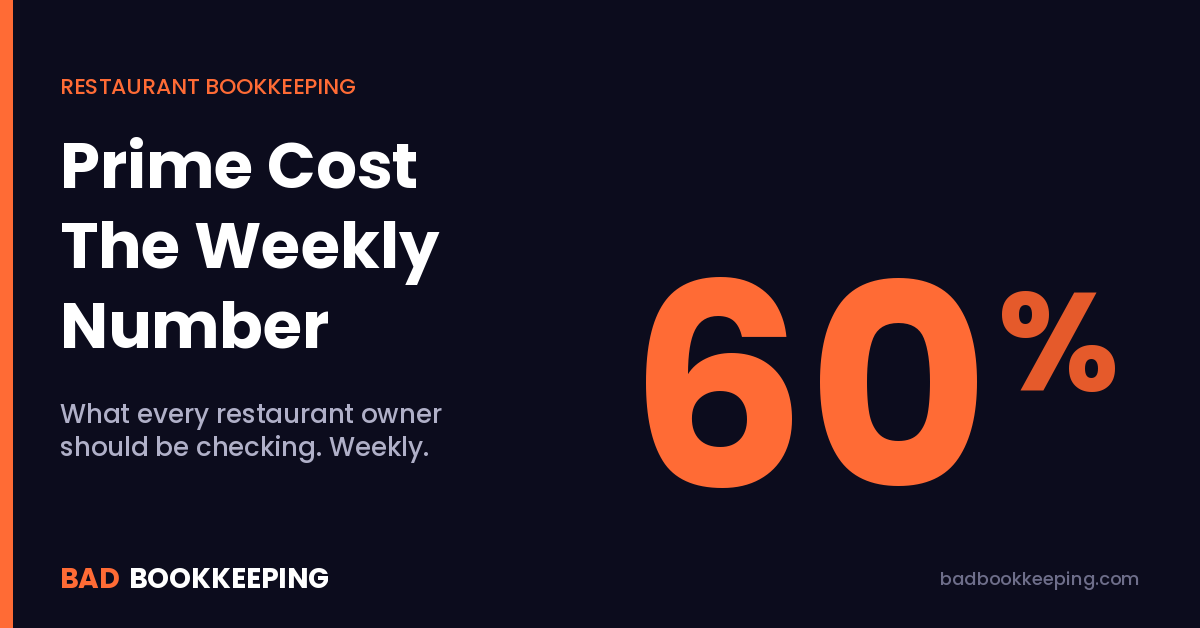
You’ll see “60%” repeated everywhere as the prime cost target. It’s not wrong, but it’s also not the whole story. The right target depends on the concept:
- Quick-service / fast-casual: 55 to 60 percent
- Full-service casual: 60 to 65 percent
- Bar-heavy (60%+ alcohol): 55 to 60 percent
- Fine dining: 65 to 70 percent (acceptable because check averages and margins per cover are higher)
If your prime cost is north of 70% in any concept, you’re not making money. You’re burning capital and calling it operations.
How to calculate it weekly without making it a full-time job
The calculation itself takes about ten minutes. The hard part is getting the inputs accurate.
You need three numbers:
- Net sales for the week, pulled from your POS. Exclude tax. Net of comps and discounts.
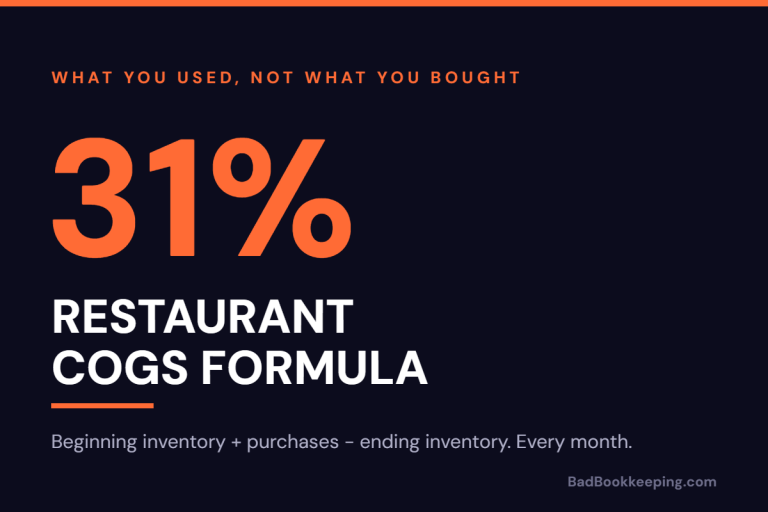
- Food and beverage cost for the week. The right way is a weekly inventory count: beginning inventory + purchases − ending inventory = cost of goods used. The shortcut is to use theoretical food cost from your POS recipe data, but it’s only as accurate as your recipe setup.
- Total labor for the week. Pull from payroll. Include hourly wages, salaried management at the location, payroll taxes (roughly 8% on top of gross wages for FICA + unemployment), and the per-employee cost of any benefits or workers comp.
Add COGS and labor. Divide by net sales. That’s your prime cost percentage.
Where this breaks for most operators
The math is easy. The reason most restaurants don’t actually track prime cost weekly is one of these four problems:
1. Inventory never gets counted. If you’re estimating food cost from purchases alone, you’re missing waste, theft, over-portioning, and dead stock. Your prime cost number will lie to you.
2. Comps and voids aren’t categorized. A free dessert for an unhappy table is a marketing expense, not lost revenue. If your POS is dumping comps into a single bucket, you can’t tell whether your sales drop is a real problem or a service-recovery cost.
3. Labor only counts hourly staff. The owner-operator who pays themselves a $4,000/month draw isn’t free labor. Salaried managers, payroll taxes, and benefits all belong in prime cost. Leaving them out makes the number look 10 to 15 points better than reality.
4. Food and beverage are blended. If you serve alcohol, those two should be tracked separately. They have very different margins and very different theft profiles. Blending them hides where the problem actually is.
What to do when prime cost runs hot
If your prime cost is 5+ points over target for two weeks in a row, run the diagnostic in this order:
Food first. Pull a theoretical vs actual food cost report from your POS. If the gap is more than 2%, you have a portioning, waste, or theft problem. Not a menu pricing problem.
Beverage second. Bar pour costs over 22% on liquor or 28% on beer and wine usually mean either over-pouring or comps not being tracked. The POS should be able to tell you which one.
Labor third. Look at labor as a percentage of sales by daypart. If lunch is running 35%+ labor on a quick-service concept, you’re scheduling for a Saturday on a Tuesday. The fix is at the schedule, not the rate.
Menu pricing is the last lever, not the first. Most restaurants don’t have a pricing problem. They have a measurement problem.
The bookkeeping setup that makes weekly prime cost possible
None of this works if your books can’t produce the inputs. The QuickBooks Online setup that supports weekly prime cost looks like this:
- Food and beverage tracked as separate COGS accounts. Not lumped into a single “Cost of Sales” line.
- Labor broken out by class. Front-of-house, back-of-house, management, so you can see where labor pressure is coming from.
- Payroll taxes and benefits flowed into the right cost buckets. Most QBO setups dump these into Operating Expenses, which makes prime cost look artificially low.
- Weekly bank and POS reconciliation. Monthly is too late for an operator who needs to make scheduling decisions on Monday.
- Inventory accounting on a real schedule. Even if it’s a rotating count rather than a full count, you need a discipline.
If your current setup can’t produce those reports without three hours of reformatting in a spreadsheet, that’s a bookkeeping problem. Not a manager problem.
The bottom line
Prime cost is the only weekly number that tells a restaurant operator whether they’re making money or pretending to. If you’re checking sales daily and the P&L monthly but you can’t tell me your prime cost for last week, you’re missing the only number that actually moves in time to do something about it.
The good news: getting there is mostly a books problem, not an operations problem. Once the chart of accounts, payroll mapping, and reconciliation cadence are set up right, the weekly number just falls out of the system. Book a free 15-minute call if you want to talk through what that would look like for your restaurant.